> ## Documentation Index
> Fetch the complete documentation index at: https://sequence-0fb8d9e6-6461-checkout-updates.mintlify.site/llms.txt
> Use this file to discover all available pages before exploring further.
# Unreal Ecosystem Wallet Setup
> Ecosystem Wallet Documentation for Sequence's Unreal SDK.
Create a project on [Sequence Builder](https://sequence.build) and download your config file as shown below.
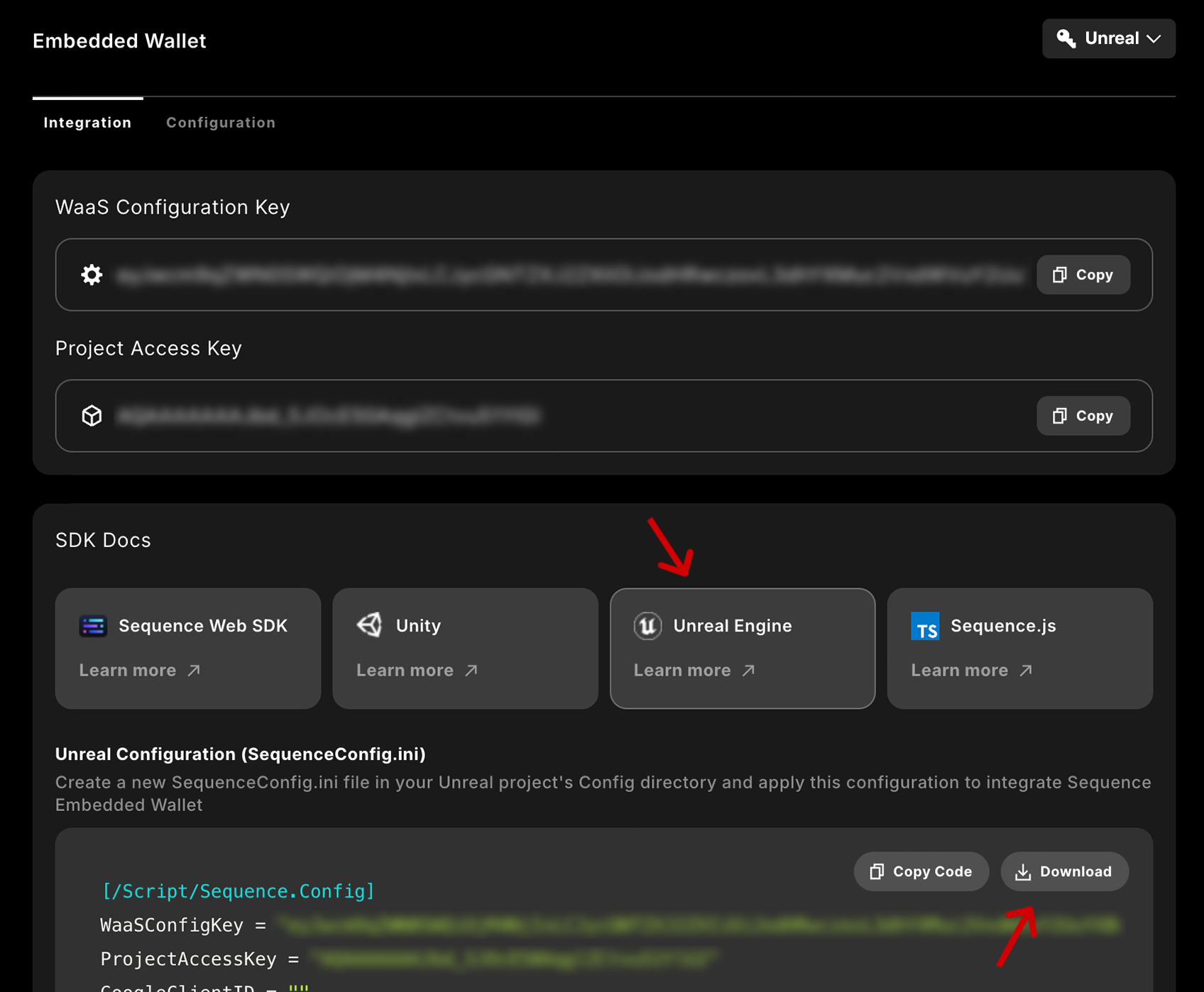 Make sure your config file includes the required fields:
* **ProjectAccessKey:** Your Project Access Key from your [Builder project.](https://sequence.build/)
* **WalletAppUrl:** The URL of the Ecosystem you want to connect to. If you are unsure, use `https://v3.sequence-dev.app` as a default.
For iOS and Android:
* **UrlScheme:** You have to configure this for your Android Manifest and Xcode project as well.
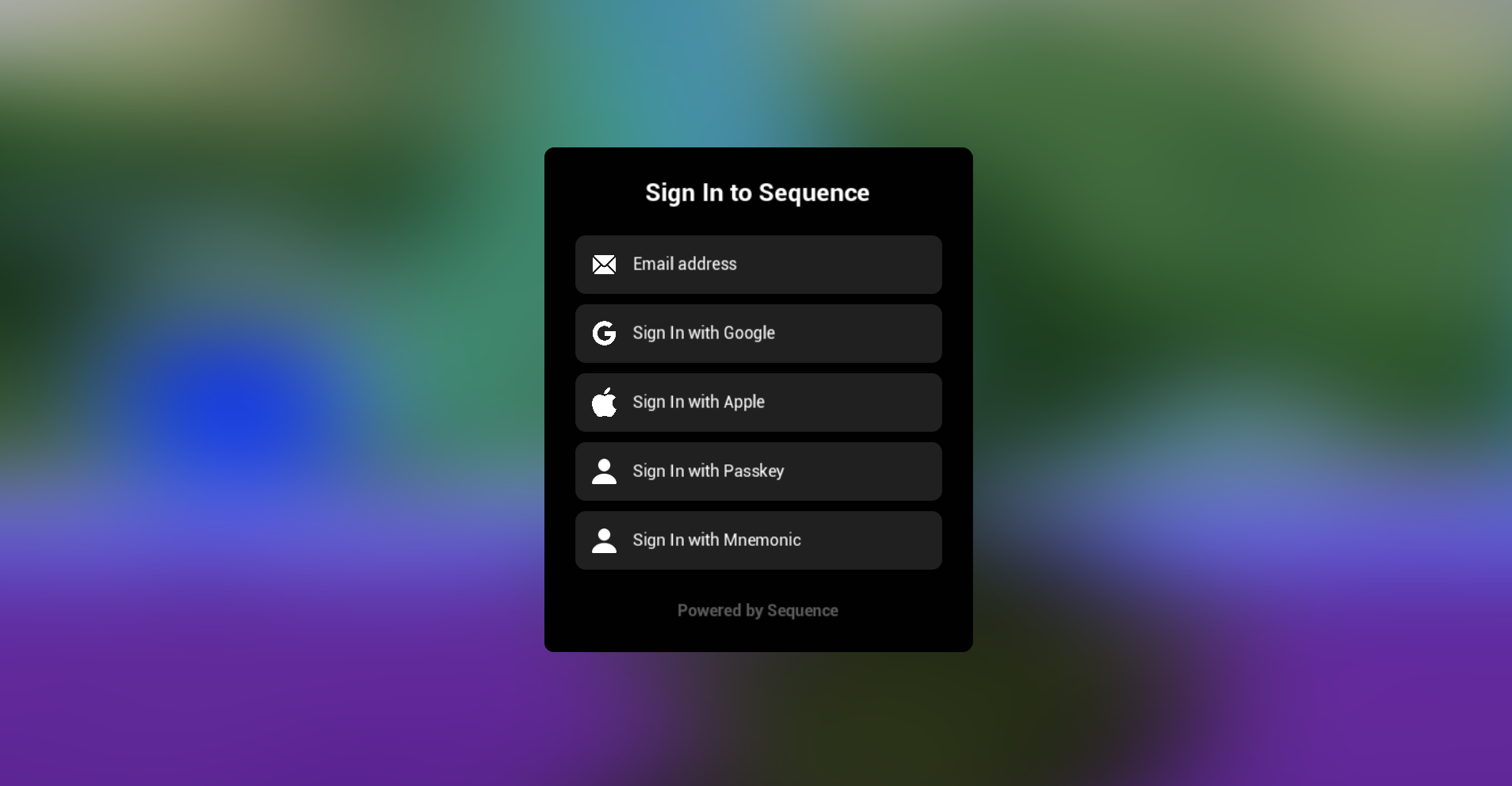
The Unreal SDK comes with a set of boilerplate widgets to get you started.
Make sure to enable `Enable Plugin Content` in your Content Browser's settings.
Make sure your config file includes the required fields:
* **ProjectAccessKey:** Your Project Access Key from your [Builder project.](https://sequence.build/)
* **WalletAppUrl:** The URL of the Ecosystem you want to connect to. If you are unsure, use `https://v3.sequence-dev.app` as a default.
For iOS and Android:
* **UrlScheme:** You have to configure this for your Android Manifest and Xcode project as well.
The Unreal SDK comes with a set of boilerplate widgets to get you started.
Make sure to enable `Enable Plugin Content` in your Content Browser's settings.
 If you used v1 or v2 of the Unreal SDK: `SequenceWallet` classes now refer to the Ecosystem Wallet. Use `SequenceEmbeddedWallet` instead, if you want to continue with your Embedded Wallet integration.