Project Access Key in order to continue.
Our Web SDKs are built on top of wagmi, so for advanced configurations, sending
transactions, calling contracts, etc., please refer to the wagmi
documentation.
- Vite App
- NextJS App
1
Install the required libraries
2
Create your Wallet Configuration
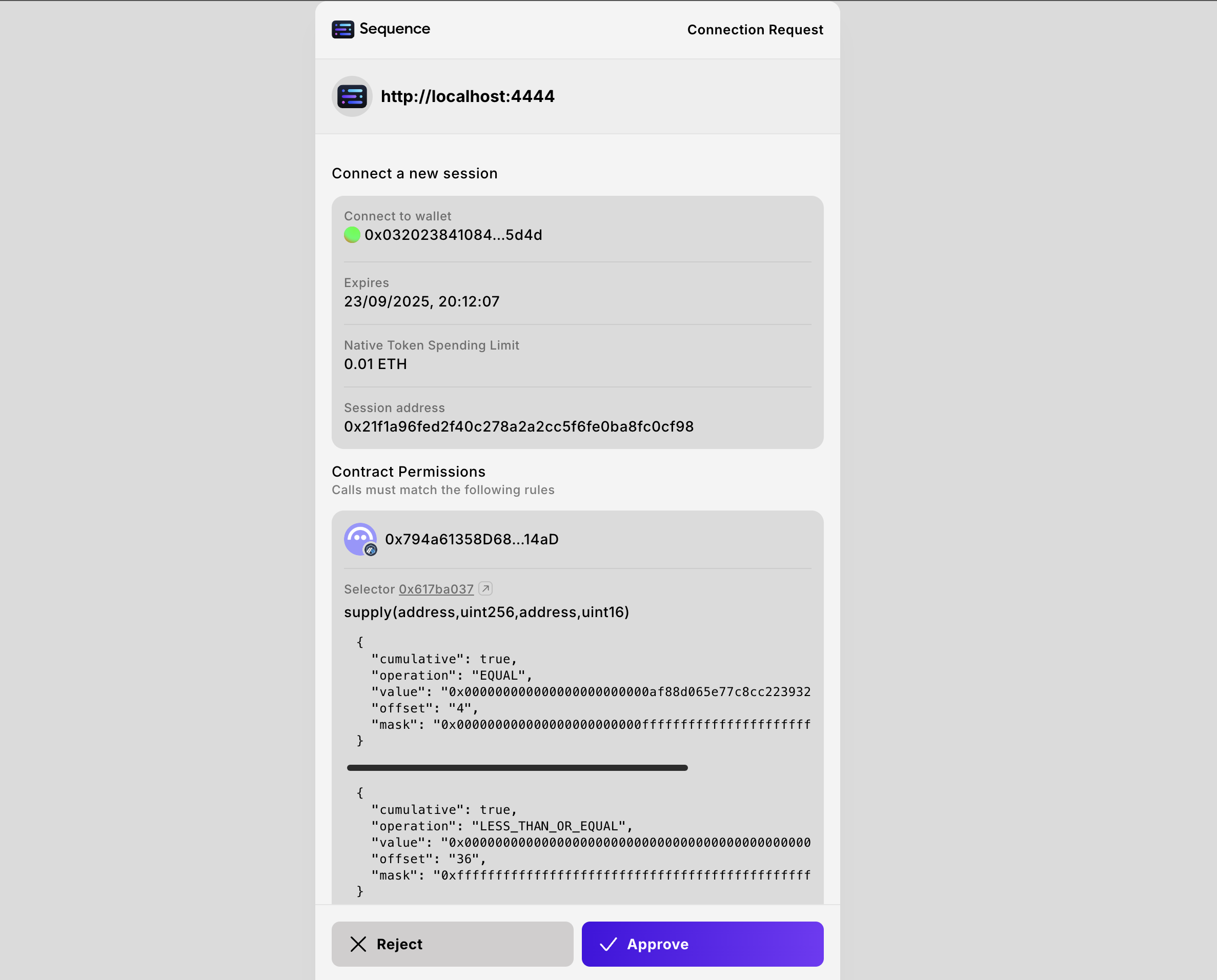
Next, create the Ecosystem Wallet configuration.The When a user connects their wallet, they will be prompted to grant permissions to the dApp. Once approved,
actions like supplying USDC to AAVE can be executed without requiring additional pop-ups, and can even be automated while the user is offline.
[config.ts]
walletUrl is the URL of the Ecosystem Wallet your dApp will use, for our demo, we are using the Acme Ecosystem Wallet.The dappOrigin is the origin of your dapp, used to verify where the user is coming from.The explicitSessionParams object allows your dapp to request specific permissions from the user upon connection.
These permissions can authorize your dapp to perform certain actions on the user’s behalf for a defined period, creating a more seamless user experience with no transaction prompts or allowing automations.For example, let’s create an explicit session that allows your dapp to deposit 100 USDC into the AAVE V3 pool on Arbitrum, on behalf of the user for the next 24 hours[config.ts]
3
Wrap your App with the Provider
Wrap your application with the
SequenceConnect Provider to enable the use of the package’s hooks and components throughout your application.The configuration we created in step 2 needs to be passed into the config of the provider.[main.tsx]
4
Trigger the Connection Modal
[App.tsx]